Monday – Sunday: 24 Hours ServiceOpen 24/7 Book your computer repair by calling 0800 955 0071WHATSAPP US
Fix It Nerds BOOK A FREE DEVICE COLLECTION
Home
Services +
GamingNEW +
Custom PC +
Support +
Coverage Laptop Sales About Us Contact Us
BOOK A FREE DEVICE COLLECTION
Open now — 24/7 No Fix No Fee
Open now — 24/7 No Fix No Fee Not sure what's wrong? Call 0800 955 0071 — free diagnosis
Open now — 24/7 · No Fix No Fee Post it in, UK-wide · Sell your tech · Free gamepad tester · Call 0800 955 0071
Built & warrantied in Kings Cross Refurbished laptops · Not sure which build? Call 0800 955 0071
BUSINESS IT IT support for London businesses Day-to-day support, networks, servers, backup and security — one number to call. Business IT overview →
›Business Promotions ›Cabling ›Cloud Services ›Cloud Strategies ›Data Backup
›Disaster Recovery ›IT Audits ›IT Consultancy ›IT support ›NAS drives
›Network Security ›Networking ›Office Relocations ›Search Engine Marketing ›Search Engine Optimisation
›Server installation ›Server Monitoring ›Social Media Marketing ›Why our Business IT Support
All 19 support services → Need on-site help today? Call 0800 955 0071
Free tools / Gamepad tester

Gamepad & Controller Tester

Plug in or pair any controller and check every button, trigger and stick, including a hands-off stick drift test, in about a minute.

FreeRuns in your browserNothing uploaded
Waiting for a controller
Connect it by USB or Bluetooth, then press any button. The browser only shows a pad once a button has been pressed.

Works in Chrome and Edge on desktop with a wired or Bluetooth controller. Firefox and Safari show fewer pads and rarely expose vibration. Everything runs locally in your browser and nothing is uploaded.

How to use the gamepad tester

1

Connect the controller. Plug it in by USB or pair it over Bluetooth, then press any button so the browser can see it. Chrome and Edge pick up controllers straight away. Safari and Firefox can be slower to show a pad and may not report vibration.

2

Press every button. Each button on the schematic lights orange while it is held. Pull the triggers slowly and check the bars climb evenly from empty to full without jumping.

3

Move both sticks. The dot in each plot follows the stick and leaves a short trail, so you can see whether the movement is smooth or steps about. Roll each stick round its full edge a few times.

4

Run the drift test hands-off. Put the controller down, then press Test for drift. The tester samples both sticks for three seconds and reports the resting position of each axis as a percentage of full travel.

What the results mean

Resting offset above 5 per cent. The stick is not returning to centre. That is stick drift, and on modern pads it usually points to worn sensors inside the stick module rather than anything you can fix in settings. A small offset under 5 per cent is normal and sits inside the dead zone every game applies.

Circularity error. How closely the stick traces a circle when you roll it round the edge of its housing. A few per cent is typical. A large error, or a shape that looks squashed on one side, usually means a worn module or a square-gated stick.

A button that does not light. Or one that lights when you have not touched it, is a contact, membrane or board fault. A trigger bar that jumps rather than sliding points to a worn trigger sensor.

Polling rate. An estimate of how often the controller sends new data. A wired connection usually reports a higher figure than Bluetooth, and the browser can cap the number, so treat it as a guide rather than a lab reading.

Vibration does not run. Check the connection type first. Some browsers only expose rumble over USB, and some third-party pads do not expose it at all.

Stick drift, explained

The sticks in most controllers sit on small analogue sensors. Dust, wear and worn carbon tracks let the reported position creep away from centre, so your character walks on its own or the camera slowly pans. Recalibrating in the console settings can hide a small offset for a while, but it does not stop the wear. The lasting fix is a new stick module, and on many pads we fit Hall effect or TMR sticks that do not wear in the same way. If the test shows drift, the card that appears links to the right controller service for your pad, with the price it starts from.

Controller failed the test?

Stick drift, dead buttons, triggers and charging faults fixed on PlayStation, Xbox, Nintendo and pro controllers. Drop off at Kings Cross 24/7 or post it in.

See controller fixes and prices Book online
Open now, 24/7No Fix No Fee

Gamepad tester: your questions answered

Does the controller tester work with PS5, Xbox and Switch controllers?−

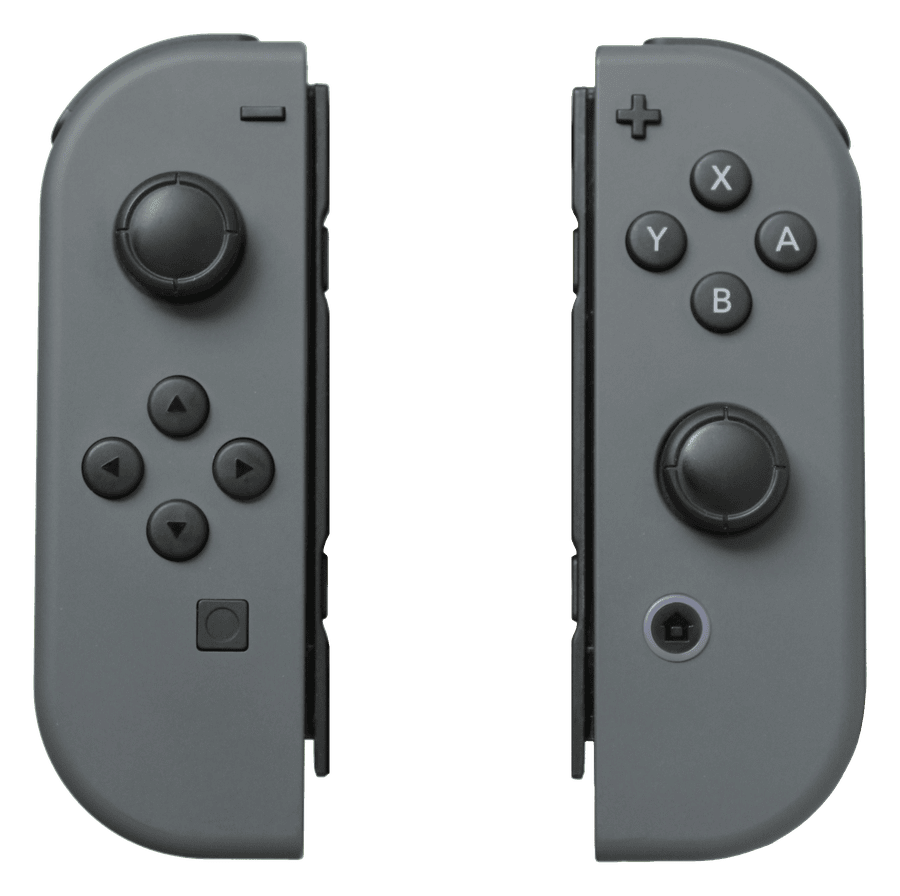
Yes. Anything the browser exposes through the Gamepad API is tested, which covers DualSense, DualSense Edge, DualShock 4, Xbox Series and Xbox One pads, the Switch Pro Controller and most third-party pads. Joy-Cons are read one at a time and may map differently.

Why does it say it is waiting for a controller?+

Browsers only reveal a controller after you press a button on it, to protect your privacy. Press any button. If nothing happens, check the pad is connected, try another USB port or cable, or open the page in Chrome or Edge.

My stick shows a 3 per cent offset. Is that drift?+

No. Anything under 5 per cent is inside the dead zone that games apply and is normal for an analogue stick. Drift becomes a problem once the offset is large enough to move your character or camera on its own.

Can I fix stick drift myself?+

A recalibration in the console settings or a blast of contact cleaner can hide a small offset for a while, but it does not cure worn sensors. The lasting fix is a new stick module, ideally a Hall effect or TMR type that does not wear the same way.

Is anything about my controller uploaded?+

No. The tester runs entirely in your browser using the Gamepad API. No data about your controller or your session leaves your device.

Does the vibration test work in every browser?+

No. Chrome and Edge support rumble on most pads. Firefox and Safari expose vibration on fewer devices, and some pads only vibrate over USB.

More free testers
Gamepad tester Stick drift test PS5 controller test Xbox controller test Joy-Con drift test Controller vibration test Keyboard tester All free tools Gaming hub All services
Drifting stick or a dead button?
Controller fixes are usually done in a few hours at Kings Cross.
Book a controller fix Call 0800 955 0071
© 2026 Fix It Nerds · Unit 2, 56 Tavistock Pl, London WC1H 9RG Call 0800 955 0071 · Monday – Sunday: 24 Hours Service Privacy Policy · Terms & Conditions · Cookie Policy · Delivery · Returns · Cookie preferences · Image credits · All services Fix It Nerds Limited · Company No. 17058257 · Registered in England & Wales · Registered office: 56 Tavistock Place, London WC1H 9RG