
Home
BOOK A FREE DEVICE COLLECTION
Services
+
Laptop Screen Repair
Battery Replacement
Keyboard Repair
Water Damage Repair
MacBook & iMac Repair
Desktop PC Repair
Data Recovery Services
Virus & Malware Removal
DJ Equipment Repair
Drone Repair
Waterproofing for Gadgets
Sell Your Tech
Recycle Your Tech
Free Device Testers
All services →
GamingNEW
+
Gaming hub →
Controller Repair NEW
PS4 Repair
All repair prices
Post it in (UK-wide)
Custom PS5 Controllers
Refurbished Consoles
Sell Your Tech
Free Gamepad Tester
PS5 Repair
Xbox Repair
Nintendo Switch Repair
Steam Deck Repair
ROG Ally Repair
Gaming PC Service & Upgrades
Build your custom PC →
Custom PC
+
Support
+
Business IT Support overview →
Business Promotions
Cabling
Cloud Services
Cloud Strategies
Data Backup
Disaster Recovery
IT Audits
IT Consultancy
IT support
NAS drives
Network Security
Networking
Office Relocations
Search Engine Marketing
Search Engine Optimisation
Server installation
Server Monitoring
Social Media Marketing
Why our Business IT Support
All support services →
Coverage
Laptop Sales
About Us
Contact Us
Open now — 24/7
No Fix No Fee
LAPTOP REPAIR
DESKTOP, DATA & MORE
Open now — 24/7
No Fix No Fee
Not sure what's wrong? Call 0800 955 0071 — free diagnosis
Consoles & handhelds repairAll prices →
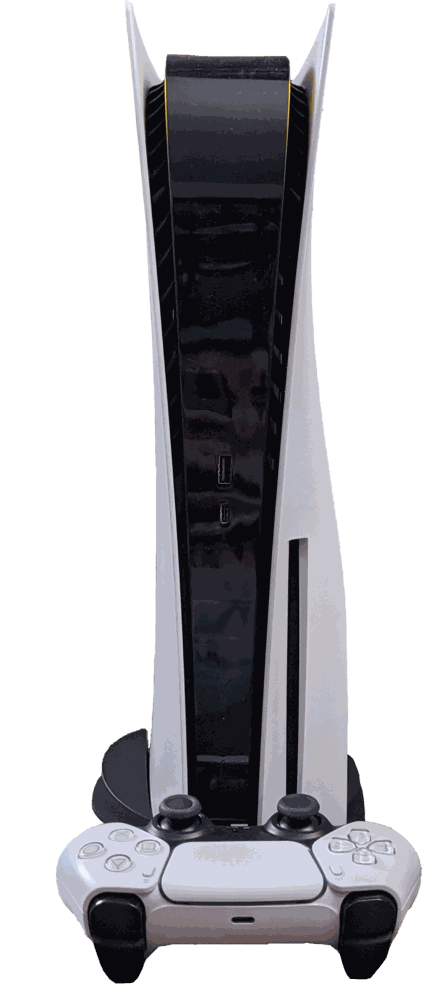
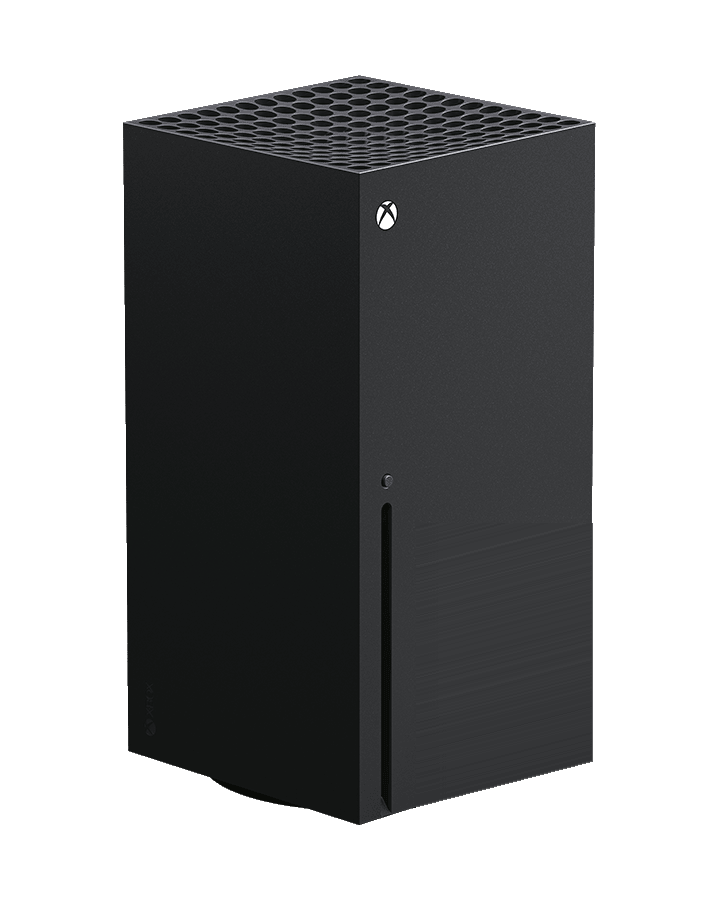
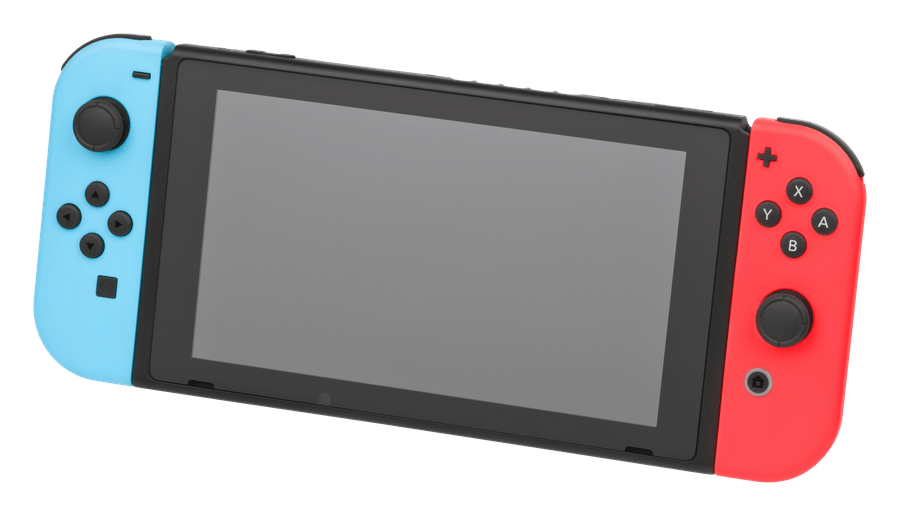
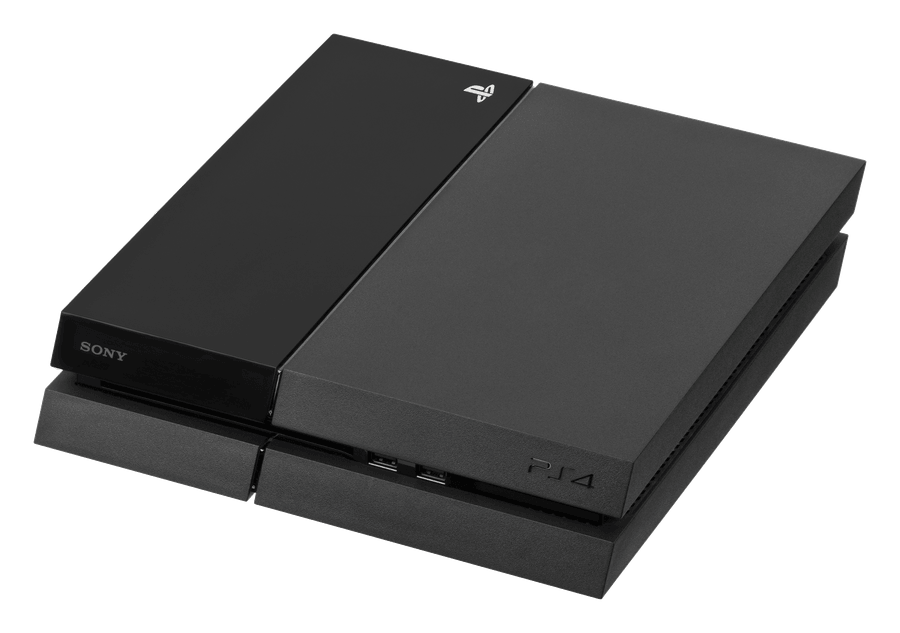

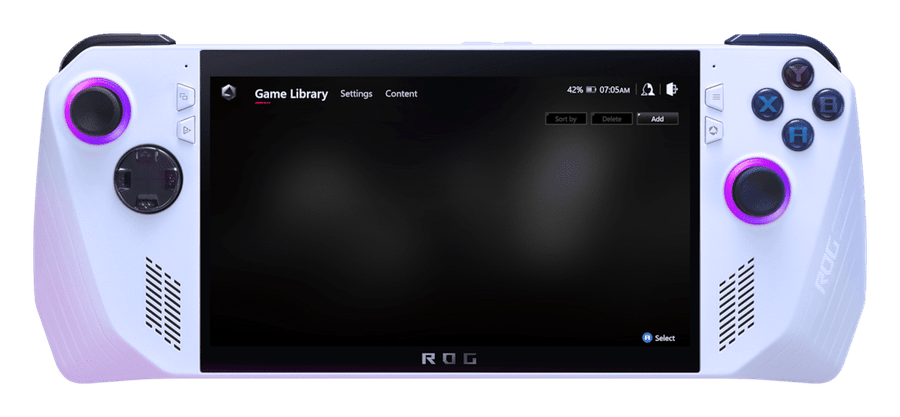
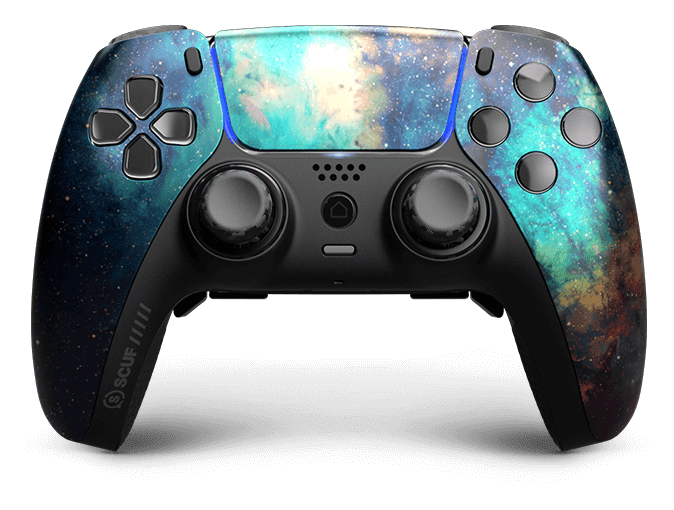
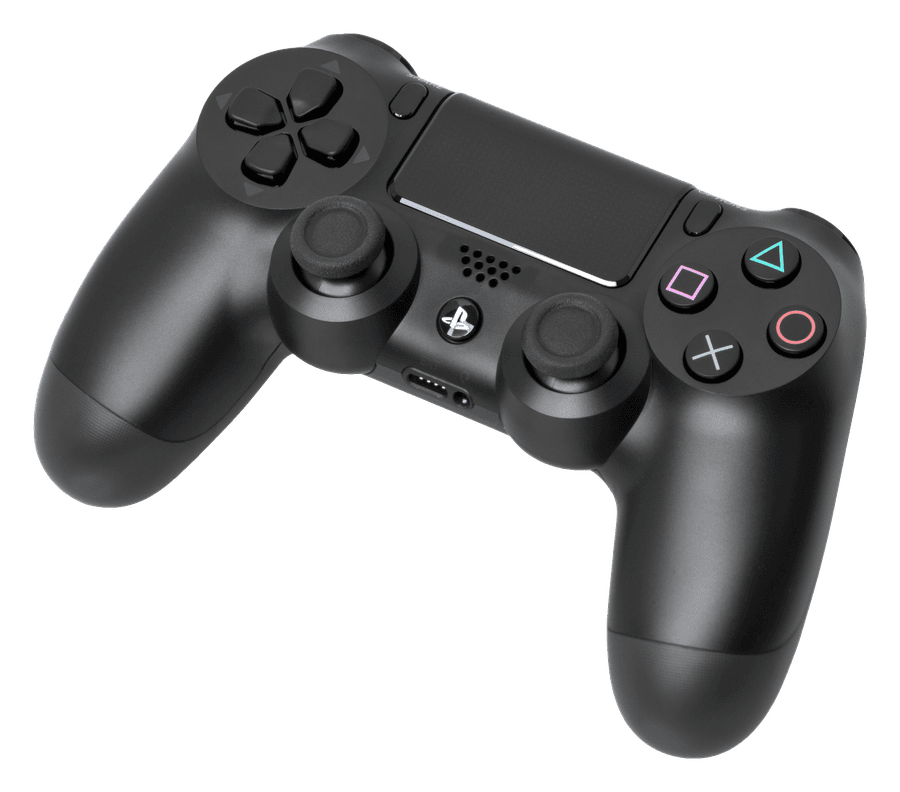
Controller repairsNEW
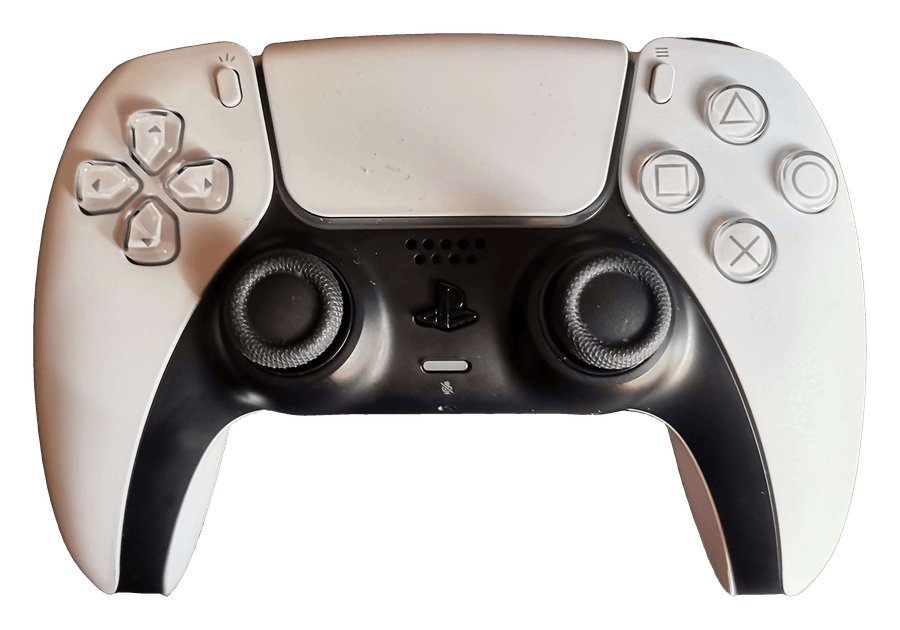
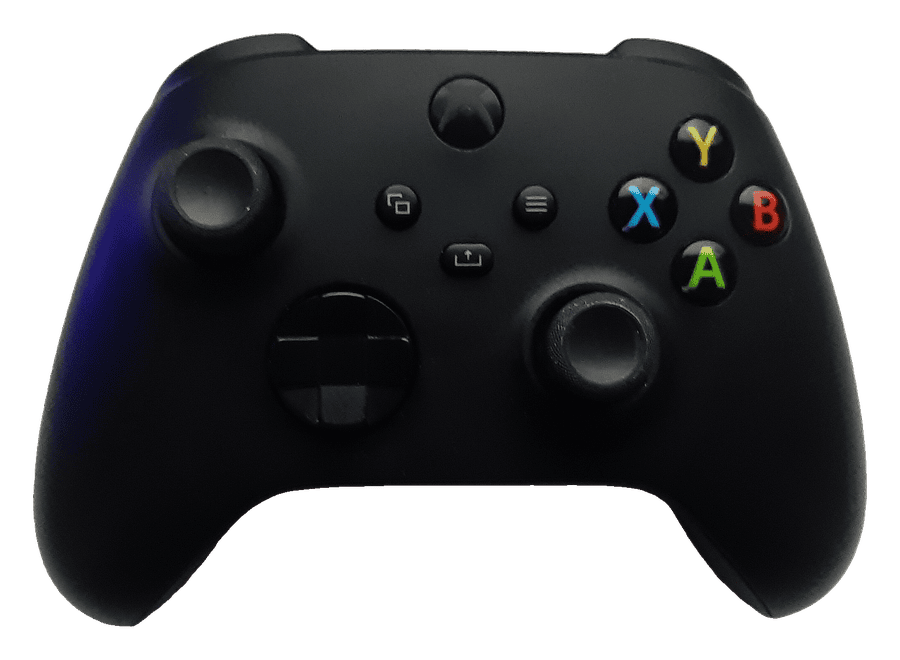
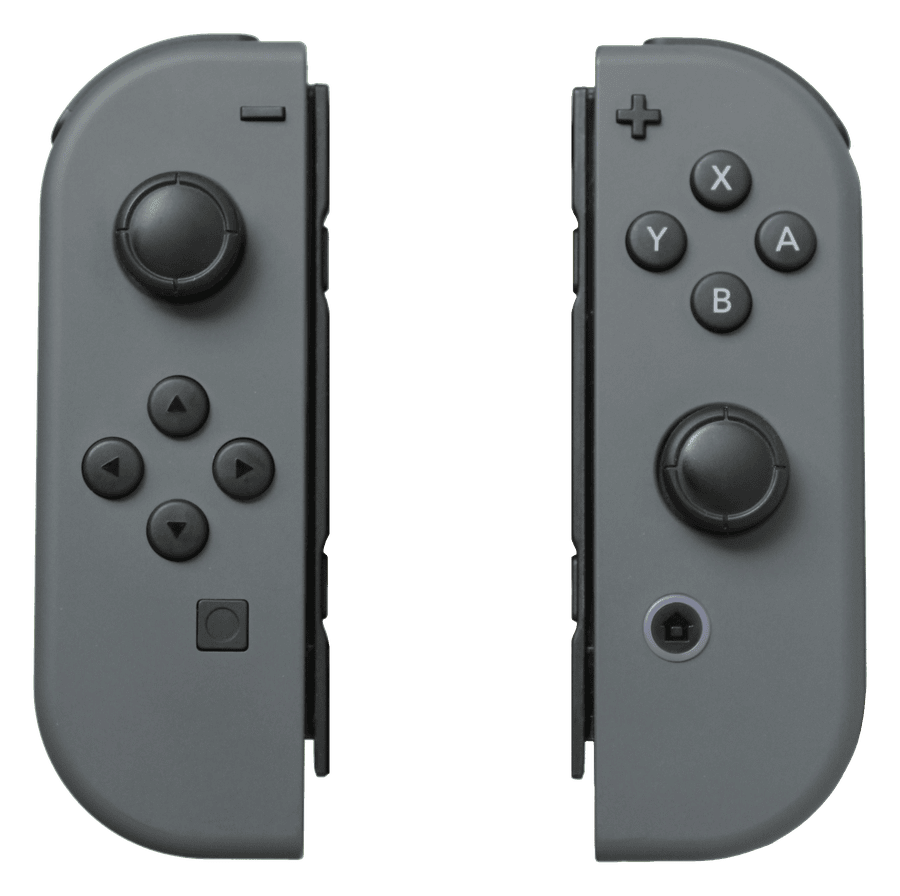
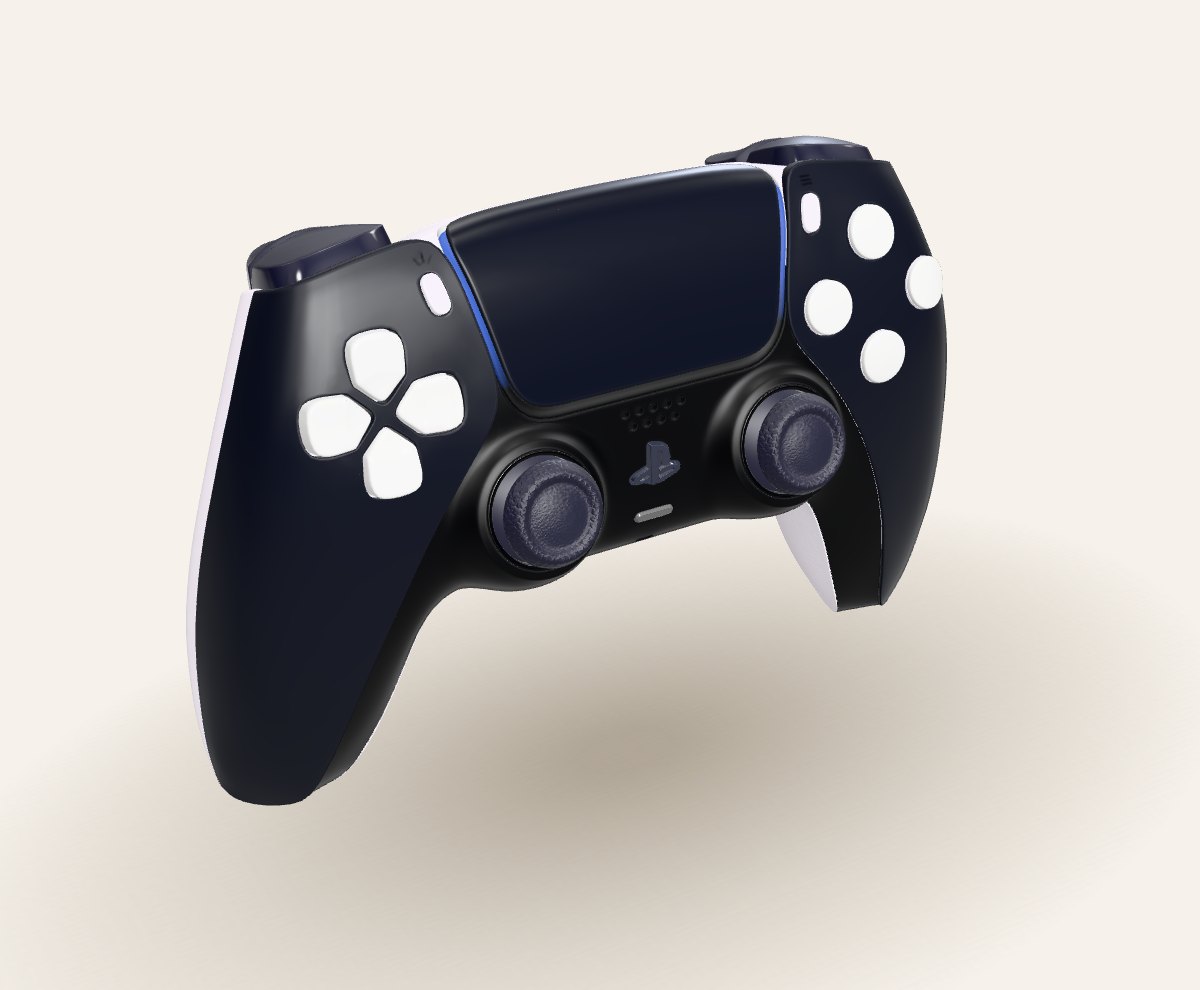
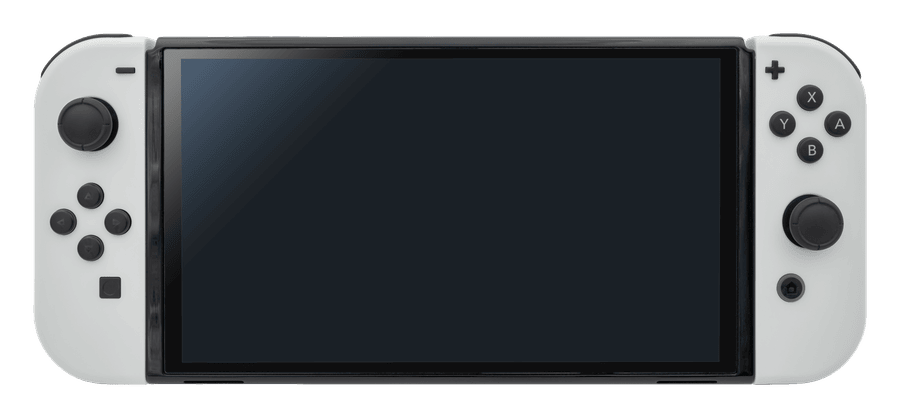
Open now — 24/7 · No Fix No Fee
Post it in, UK-wide · Sell your tech · Free gamepad tester · Call 0800 955 0071

Built & warrantied in Kings Cross
Refurbished laptops · Not sure which build? Call 0800 955 0071
BUSINESS IT
IT support for London businesses
Day-to-day support, networks, servers, backup and security — one number to call.
Business IT overview →
All 19 support services →
Need on-site help today? Call 0800 955 0071