Monday – Sunday: 24 Hours ServiceOpen 24/7 Book your computer repair by calling 0800 955 0071WHATSAPP US
Fix It Nerds BOOK A FREE DEVICE COLLECTION
Home
Services +
GamingNEW +
Custom PC +
Support +
Coverage Laptop Sales About Us Contact Us
BOOK A FREE DEVICE COLLECTION
Open now — 24/7 No Fix No Fee
Open now — 24/7 No Fix No Fee Not sure what's wrong? Call 0800 955 0071 — free diagnosis
Open now — 24/7 · No Fix No Fee Console down mid-game? Call 0800 955 0071
Built & warrantied in Kings Cross Not sure which build? Call 0800 955 0071
BUSINESS IT IT support for London businesses Day-to-day support, networks, servers, backup and security — one number to call. Business IT overview →
Business Promotions Cabling Cloud Services Cloud Strategies Data Backup
Disaster Recovery IT Audits IT Consultancy IT support NAS drives
Network Security Networking Office Relocations Search Engine Marketing Search Engine Optimisation
Server installation Server Monitoring Social Media Marketing Why our Business IT Support
All 19 support services → Need on-site help today? Call 0800 955 0071
Home / Blog / Repair Tips & Tech News | Fix It Nerds London

Repair Tips & Tech News | Fix It Nerds London

March 13, 2026 · Fix It Nerds

A slow laptop can be frustrating, especially when you rely on your device for work, study or everyday tasks. Many people in London search for laptop repair services when their computer starts running slowly. However, before replacing your laptop, there are several steps you can take to improve its performance.

Common Reasons Why Laptops Become Slow

Several factors can cause a laptop to slow down over time.

Too Many Startup Programs

When a laptop starts, many programs may automatically load in the background. These applications consume system resources and reduce performance.

Low Storage Space

If your laptop hard drive is nearly full, the system may struggle to perform tasks efficiently.

Outdated Software

Old software or operating systems may contain bugs or compatibility issues that slow down your laptop.

Virus or Malware Infection

Malicious software can significantly affect system performance and cause unexpected behaviour.

Hardware Limitations

Older laptops may struggle with modern software requirements due to limited RAM or slow hard drives.

How to Improve Laptop Performance

Remove Unnecessary Programs

Uninstall software that you no longer use to free up storage space and reduce system load.

Upgrade Your Storage

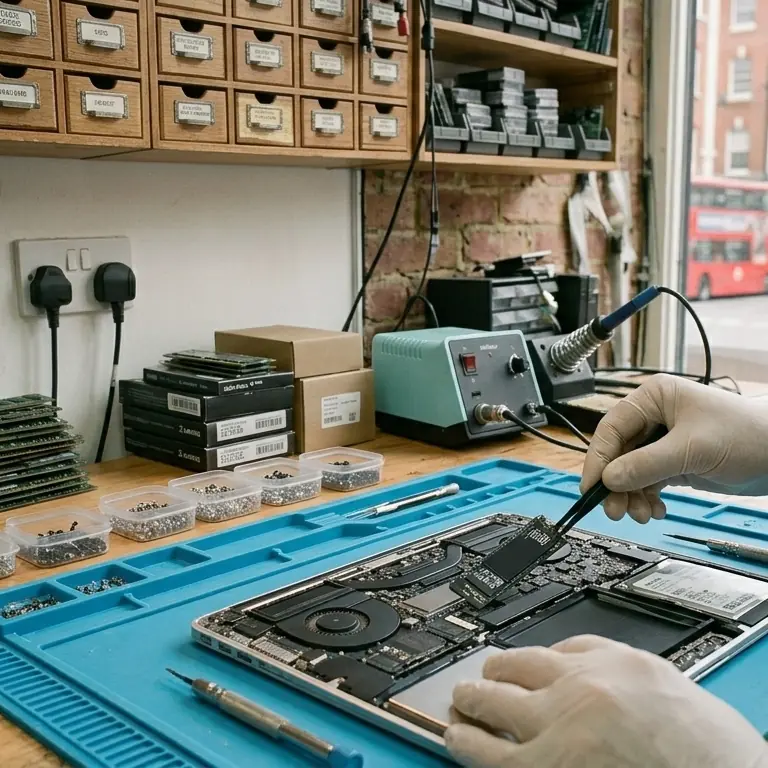
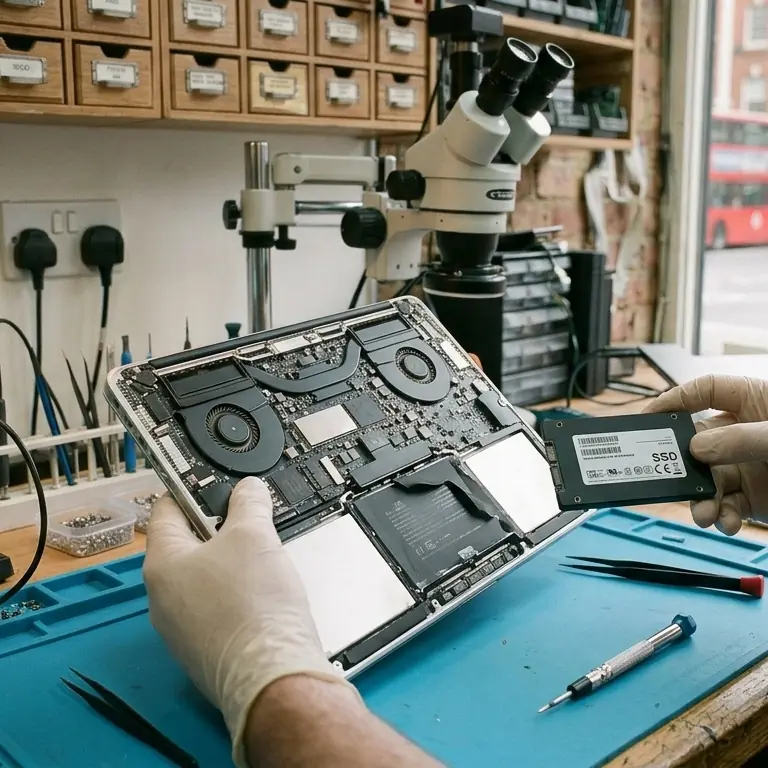
Replacing a traditional hard drive with a solid state drive (SSD) can dramatically improve laptop speed.

Increase RAM

Upgrading RAM allows the system to run more programs simultaneously without slowing down.

Clean Your Laptop

Dust inside the laptop can cause overheating, which reduces performance.

Install System Updates

Regular updates improve security and fix performance issues.

When to Seek Professional Laptop Repair

If your laptop remains slow even after trying these steps, it may require professional diagnosis.

Fix It Nerds offers laptop repair services in London, including hardware upgrades, virus removal and performance optimisation.

Professional technicians can identify the exact cause of the slowdown and recommend the best solution.

Laptop playing up? We're open right now.
Book a repair Call 0800 955 0071
© 2026 Fix It Nerds · Unit 2, 56 Tavistock Pl, London WC1H 9RG Call 0800 955 0071 · Monday – Sunday: 24 Hours Service Privacy Policy · Terms & Conditions · Cookie Policy · Delivery · Returns · Cookie preferences · All services Fix It Nerds Limited · Company No. 17058257 · Registered in England & Wales · Registered office: 56 Tavistock Place, London WC1H 9RG