

Accidentally spilling liquid on your laptop can be a nightmare, but your immediate response determines if the device survives. Whether it is water, coffee, or wine, quick action can increase the chances of saving your hardware and data. As specialists in laptop liquid damage repair in London, we have saved thousands of devices that seemed lost. Here is our expert emergency protocol.
Step 1: Power Off and Disconnect Immediately
The biggest threat is not the liquid itself, but the short circuit it causes.
- Force Shutdown: Don’t wait for the laptop to shut down normally. Hold the power button until the screen goes black.
- Unplug Everything: Remove the charger and any USB devices or external drives. If your laptop has a removable battery (older models), take it out immediately.
Step 2: The “Tent” Position for Drainage
Once the power is off, you need to stop the liquid from reaching the motherboard.
- The Technique: Open the laptop and turn it upside down like a “tent” (V-shape).
- Why it works: This uses gravity to pull the liquid back towards the keyboard and away from the delicate internal circuits.
Step 3: Clean and Dry the Exterior
Use a lint-free cloth to gently wipe any visible liquid from the chassis, keyboard, and screen.
- Warning: Avoid using a hairdryer! The heat can melt plastic components and push moisture deeper into the device.
- The Rice Myth: Do NOT put your laptop in a bag of rice. It is ineffective for large electronics and introduces dust and starch that can worsen the corrosion.

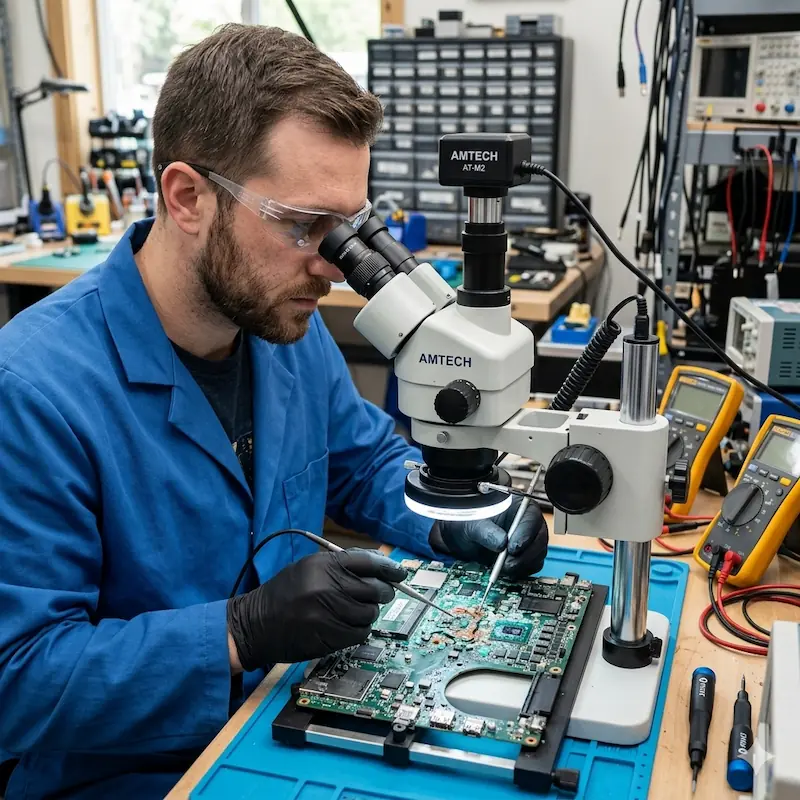
Step 4: The Danger of Hidden Corrosion
Even if the laptop turns on after drying, you are not out of the woods. Liquid leaves behind minerals that cause internal corrosion over time. This is why many laptops fail weeks after a spill. This is a common sign laptop needs repair London users often overlook until it is too late.
Step 5: Seek Professional Laptop Liquid Damage Repair in London
Liquid damage requires more than just drying; it requires professional cleaning with ultrasonic baths and isopropyl alcohol to neutralise residues.
Why Professional Cleaning is Essential:
- Circuit Inspection: We check for burnt components under a microscope.
- Keyboard Replacement: Sugar in coffee or soda can make keys sticky or non-functional.
- Data Protection: We prioritise rescuing your files before the corrosion reaches the storage drive.
Fix It Nerds provides comprehensive laptop liquid damage repair in London, including deep internal cleaning and component-level motherboard repair. Don’t risk turning it back on until a technician has confirmed it is safe.